TL;DR
- This blog is for OPD doctors, clinic owners, and small hospital administrators in India evaluating medical record software and trying to separate sales pitch from what actually happens on the floor of a busy clinic.
- Nearly every medical record software claims it “improves patient care and clinical workflow.” Search for it and you’ll find the same three words repeated across a dozen vendor pages.
- That promise only holds if doctors can actually use software fast enough to keep up with patient volume. In a 50–100 patient OPD day, many systems can struggle to prove the value of their features if doctors have to spend significant consultation time entering data.
- The fix isn’t a longer feature list. It’s removing the step that creates the problem in the first place: typing during a consultation.
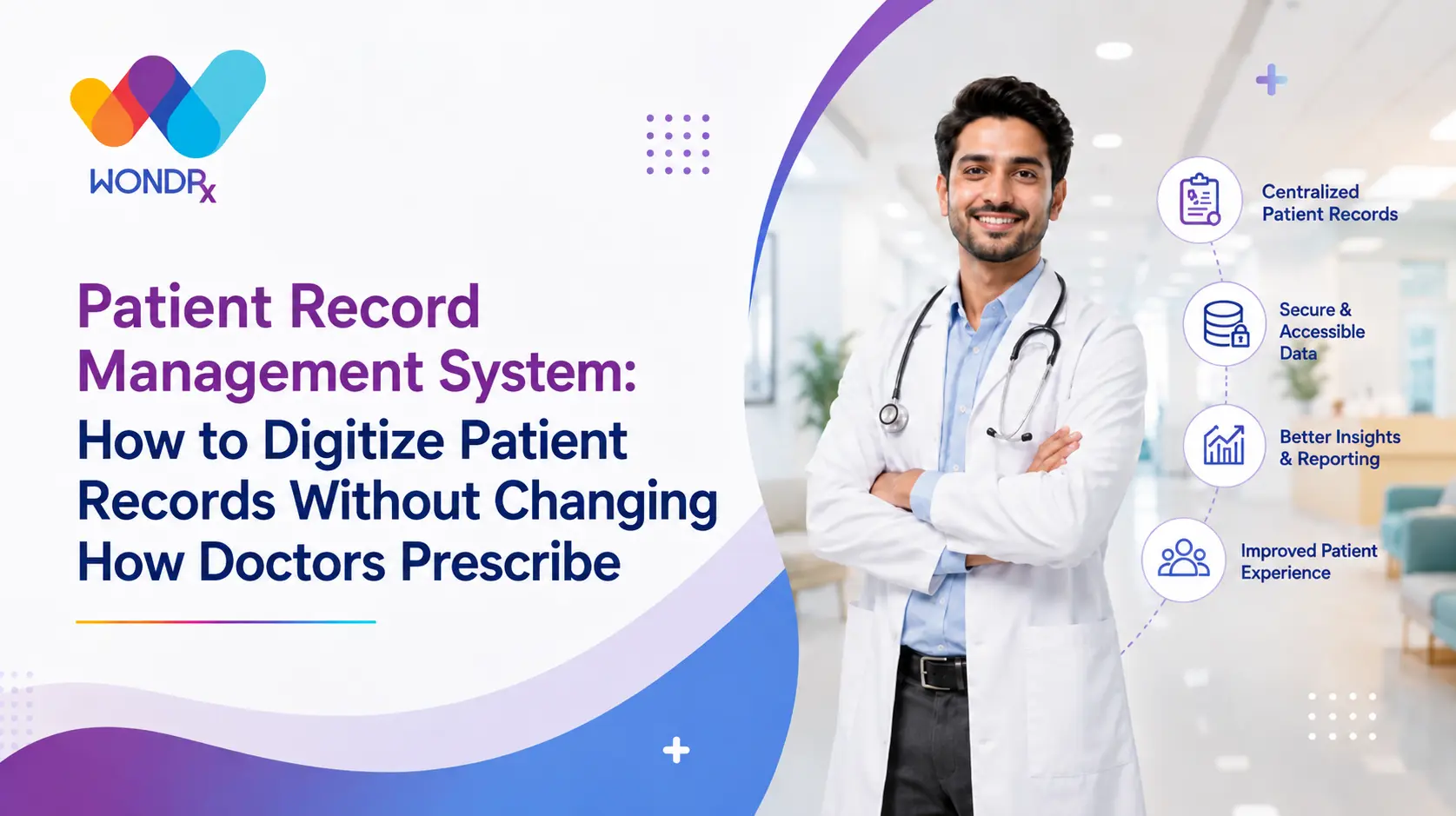
- WONDRx keeps the promise medical record software makes by converting handwritten prescriptions into structured digital records, so doctors get workflow benefits without changing how they write.
Medical record software and e-prescription systems are often associated with benefits such as improved documentation, better access to patient information, and more efficient clinical workflows. These benefits reflect the intended purpose of digital prescribing systems, but they do not fully represent the challenges involved in applying such systems within high-volume clinical environments.
The effectiveness of e-prescription software depends significantly on how well it fits into the practical workflow of a healthcare professional. In a busy Indian OPD, where a doctor may attend to dozens of patients in a day and have only a few minutes for each consultation, a prescribing system that requires multiple screens, repetitive data entry, or extensive clicking can create additional friction. As a result, the theoretical benefits of digital prescribing may not translate into meaningful workflow improvements.
This blog examines the gap between the intended role of e-prescription software and its practical use in busy Indian OPDs. It explains what digital prescribing systems are designed to deliver, why their benefits may remain limited when the technology does not align with existing clinical workflows, and what factors are necessary to make those benefits practical and sustainable.
This is also the context in which WONDRx is positioned: as a solution designed around the way doctors actually write prescriptions, rather than requiring them to replace an established writing workflow with a typing-intensive process.
Also read ,
- What Is EMR in Healthcare? Full Form, Meaning
- EHR vs EMR: What’s the Real Difference and
- Why Indian OPD Prescription Data Is Missing Link in Pharma
Promise Every Medical Record Software Makes
Nearly every medical record software in the market leads with some version of the same pitch: centralize patient data, reduce paperwork, give doctors better visibility into a patient’s history, and free up time for actual care instead of admin work.
On paper, that’s a fair promise. A well run digital record system should mean a doctor isn’t hunting through a physical file for a patient’s last three visits. It should mean prescriptions are legible, searchable, and don’t disappear the moment paper does.
The problem isn’t the promise. It’s that most medical record software treats “digital” and “typed” as the same thing. That assumption is where the gap between pitch and OPD reality starts.
Where That Promise Breaks Down in a High Volume Indian OPD ?
Here’s the part vendor pages often don’t mention: doctors in many high-volume Indian OPDs may see far more patients per day than a typing-heavy software workflow can comfortably accommodate. In some high-volume Indian OPDs, seeing 50 patients in a day is common, while particularly busy practices may see 100 or more.
At that volume, the effective consultation time may fall to just a few minutes per patient, depending on the specialty, practice setup, and patient flow, and that time already has to cover listening, examining, deciding, and writing. Ask that doctor to also open a template, select a diagnosis from a dropdown, and type out a prescription, and math simply doesn’t work.
In some practices, adoption doesn’t progress beyond an initial pilot. Doctors may become frustrated with the data-entry burden and, in some cases, return to paper-based prescriptions. Software didn’t fail because its features were bad. It failed because one thing it asked the doctor, typing during a live consult, was never realistic at OPD volumes to begin with.
This is an honest answer to whether medical record software improves patient care and clinical workflow: it can, but the benefits are much harder to realize when doctors do not have enough time to operate it during a consultation. Many doctors working in high-volume Indian OPDs don’t.
What “Improving Workflow” Actually Requires ?
If the goal is genuinely to improve clinical workflow, the starting question can’t be “what features should this software have.” It has to be “what does this doctor’s actual day look like, and where does data entry fit into it without competing for the same four minutes as the patient.”
For most Indian OPDs, the honest answer is that it doesn’t fit, not as typing. A doctor who has spent fifteen years writing prescriptions in a particular shorthand isn’t going to relearn that process for the sake of a system, no matter how many dashboards it offers.
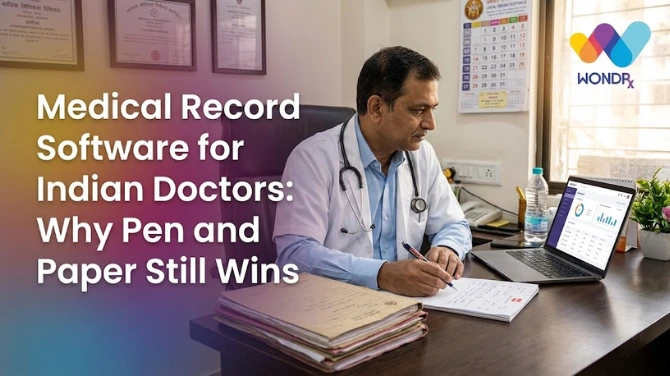
This is a shift that most medical record software gets backwards. It asks doctors to adapt to software’s data entry model. workflow only genuinely improves when software adapts to the doctor’s existing one, which, in many Indian OPDs, is still a pen and a prescription Rx.
Feature List Isn’t Problem, Data Entry Model Is
It’s worth being direct about this because most comparisons of medical record software spend all their time on the wrong variable. They compare cloud storage limits, template libraries, billing integrations, and ABDM readiness, all reasonable things to check, but none of them touch the actual point of failure.
One of the most important points of failure is often the same: how does data get into the system in the first place? If the answer is “doctor types it,” software is competing directly with patient time, no matter how good everything downstream looks.
This pattern can appear across OPD digitization attempts. A tool can have a great interface, strong compliance features, and solid reporting, and still get abandoned within weeks because the data entry step doesn’t survive a real OPD queue. Many doctors aren’t necessarily resistant to digital records. The bigger problem is a workflow that asks them to choose between documenting and seeing the next patient.
How WONDRx Delivers What Keyword Promises, Without Asking Doctors to Type ?
This is where WONDRx takes a different starting point. Instead of asking what features would improve patient care and clinical workflow, we asked what would actually let a doctor keep working exactly as they do now, while still producing a clean, structured digital record.
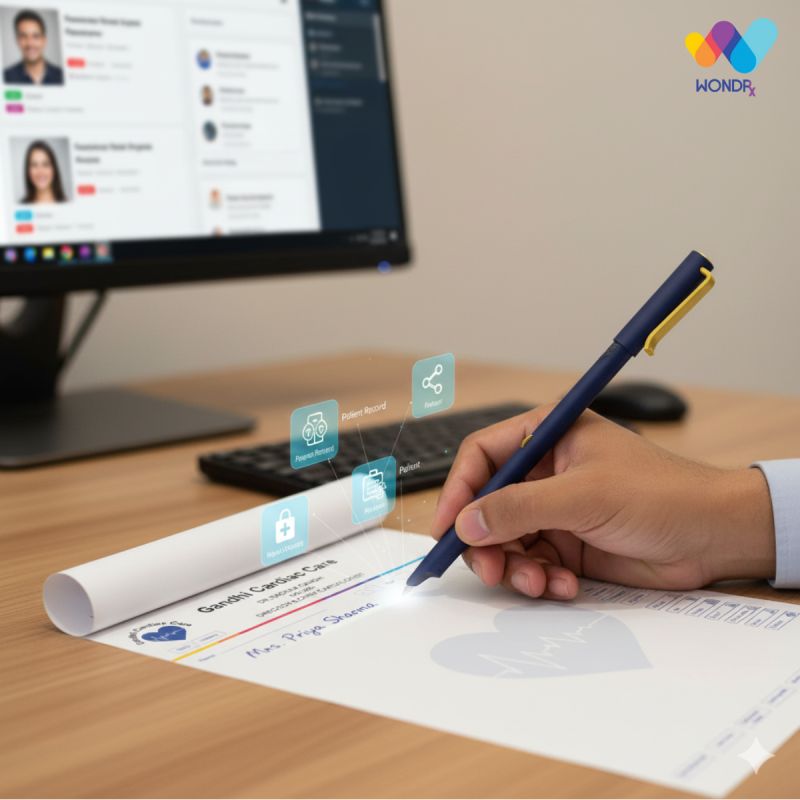
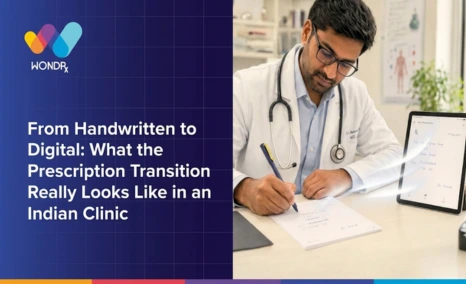
The answer was to remove typing from the equation entirely. WONDRx is designed to capture a doctor’s handwritten prescription and convert it into a structured digital record without requiring the doctor to type during the consultation. The doctor writes on their usual Rx, in their usual shorthand, at their usual speed. Nothing about consult changes.
That single decision is what makes the difference between medical record software that adds another layer to the workflow and one that actually fits the way doctors already work in the OPD. There’s no dropdown to open, no template to fill, no keyboard between doctor and patient. digitization happens after the pen leaves paper, not instead of it.
Real OPD Impact: Patient Care and Workflow, Measured Way Doctors Actually Feel It
Picture a Tuesday OPD with 60 patients on the list. With WONDRx, the doctor’s part of day looks identical to how it always has, writing, handing over prescriptions, and calling the next patient.
What’s different is everything that happens after. The prescription can be made available in a clearer digital format for pharmacists and other authorized users, reducing the need to interpret difficult handwriting. It’s searchable if the same patient returns months later with a new complaint. Where supported by the clinic’s existing integrations, the structured record can be transferred into its EMR or other connected digital health systems without requiring manual re-entry.
That’s an actual, felt version of “improved patient care and clinical workflow.” Not a new interface to learn, but less time lost to illegible handwriting, lost paper files, and end of day data entry that used to eat into personal time. improvement shows up in what doctors no longer have to do, not in what they’re asked to learn.
Conclusion
Medical record software is more likely to improve patient care and clinical workflow when doctors can actually use it within the time available to them.The right system should respect the limited time doctors have with each patient instead of adding another data-entry task to the consultation.
That’s the filter most comparisons skip, and it’s one that decides whether a system survives past the pilot stage in a real Indian OPD.
Feature lists, compliance checkboxes, and dashboards matter less than one basic question: does this ask the doctor to type during a consult. If the answer is yes, the promise on the landing page and reality in OPD are going to diverge fast.
WONDRx was built around an answer we believe actually works: keep the doctor’s process exactly as it is, and let software adapt. If you want to see what medical record software looks like when it respects four minutes you have per patient instead of asking for more, book a demo with WONDRx and see a handwritten prescription become a clean digital record without requiring you to replace your existing handwriting-based prescription workflow.
FAQs
Does medical record software really improve patient care and clinical workflow?
It can, but only if doctors are actually able to use it within the time they have per patient. In high volume Indian OPDs, medical record software that requires typing during consultation often gets abandoned within weeks, which means promised improvement never materializes in practice.
What's the biggest reason medical record software fails to get adopted in Indian clinics?
The most common reason is the data entry model, not the feature set. Most systems assume doctors will type notes and prescriptions during consultation, which doesn’t fit three to five minutes available per patient in a busy OPD.
How is WONDRx different from typical medical record software?
WONDRx removes the need for doctors to manually type prescription details during the consultation. It converts handwritten prescriptions into structured digital records in background, so the clinic still gets benefits of medical record software, legibility, searchability, and EMR or EHR readiness, without changing the doctor’s actual writing process.
Is medical record software worth it for a small, high volume OPD?
Yes, provided the system fits OPD’s actual pace rather than assuming spare time that doesn’t exist. The value of medical record software in a small clinic depends less on its feature list and more on whether data entry competes with patient time or happens without it.
Can medical record software work well without doctors changing how they write prescriptions?
Yes, if software is built around converting existing handwriting into digital data rather than replacing it with typed input. This is the core idea behind WONDRx, and it’s the reason it fits OPD workflows that typing first systems typically can’t.
What should doctors actually look for when comparing medical record software?
Beyond compliance and storage features, the key question is how data gets entered into the system. If it requires typing during patient hours, it’s likely to slow down consults regardless of how strong other features are. Software that digitizes a doctor’s existing process, rather than replacing it, is more likely to be used consistently.